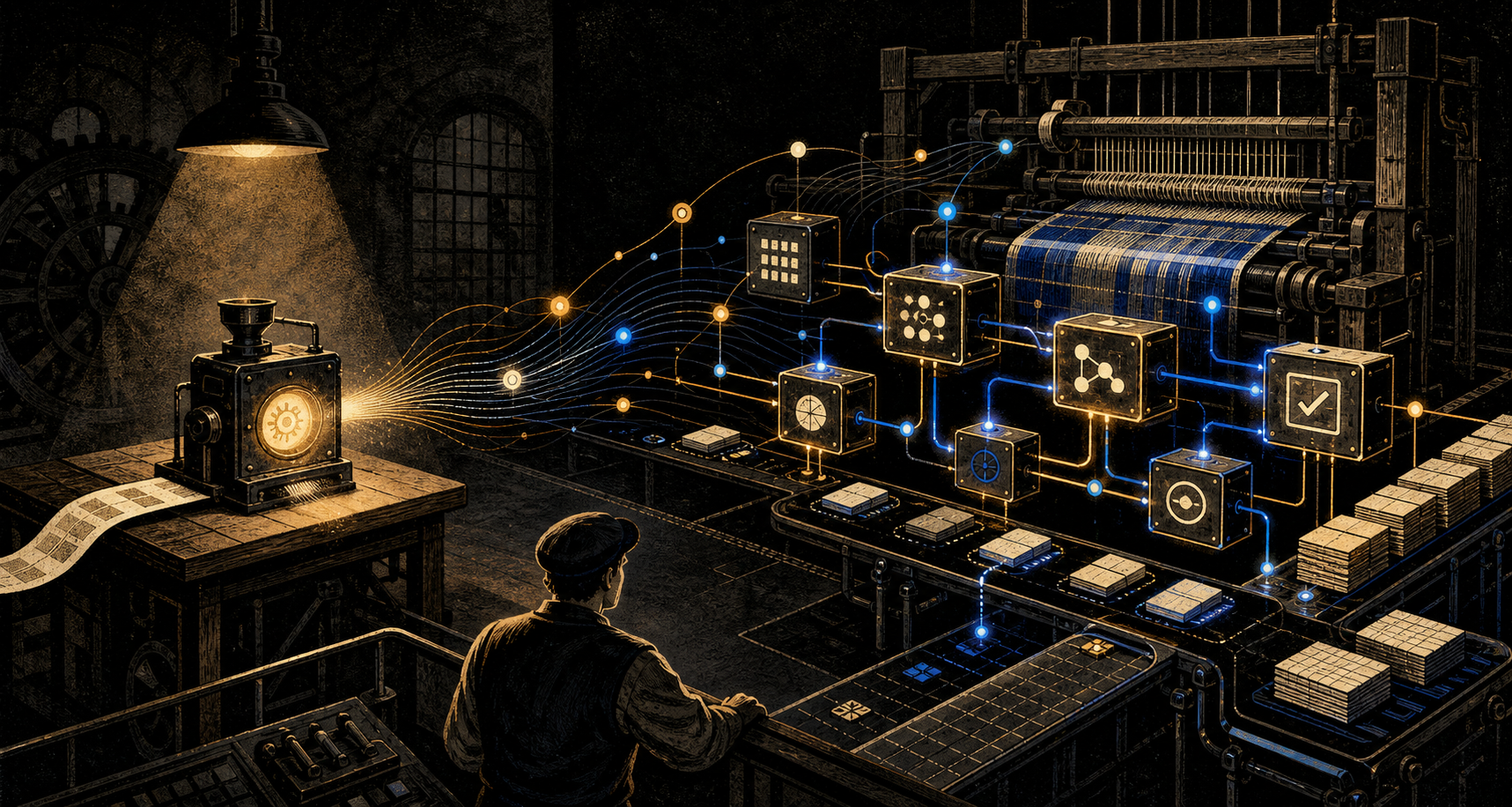
Don’t Just Use AI. Build Systems With It.
July 28, 2026
Using AI to complete a task faster can save us time today. Building a system with AI can change whether we need to perform that task ourselves at all.
Learn how to build a Model Context Protocol server using Node.js to integrate arithmetic functions with AI assistants.
The Model Context Protocol (MCP) provides a standardized way for AI assistants to interact with external tools and services. In this blog, we’ll explore how to create a simple MCP server using Node.js that implements arithmetic operations. This server will allow AI models to perform basic calculations like addition, subtraction, multiplication, and division through a clean interface.
MCP offers several advantages for connecting AI models with external tools:
To follow along, ensure you have the following:
For our implementation, we’ll use the official @modelcontextprotocol/sdk package. This package provides a robust and up-to-date implementation of the MCP specification. After evaluating alternatives, this SDK is preferred because:
Install the required packages:
mkdir arithmetic-mcp-server
cd arithmetic-mcp-server
npm init -y
npm install @modelcontextprotocol/sdk zodLet’s implement a simple MCP server that provides arithmetic operations. Create a new file called server.js and start with the server setup:
import { McpServer } from "@modelcontextprotocol/sdk/server/mcp.js";
import { StdioServerTransport } from "@modelcontextprotocol/sdk/server/stdio.js";
import { z } from "zod";

// Create an MCP server
const server = new McpServer({
  name: "arithmetic-server",
  version: "1.0.0",
  capabilities: {
    tools: {} // Enable tools capability
  }
});
Now, let’s implement each tool. First, the addition tool:
This tool takes two numeric inputs and returns their sum, providing a simple way for AI models to perform addition calculations.
server.tool(
  "addition",
  "Add two numbers together",
  {
    a: z.number().describe("First number"),
    b: z.number().describe("Second number")
  },
  async ({ a, b }) => {
    console.error(`Performing addition: ${a} + ${b}`);
    const result = a + b;
    return {
      content: [{ type: "text", text: `${result}` }]
    };
  }
);The subtraction tool allows AI models to find the difference between two numbers.
server.tool(
  "subtraction",
  "Subtract second number from first number",
  {
    a: z.number().describe("First number"),
    b: z.number().describe("Second number")
  },
  async ({ a, b }) => {
    console.error(`Performing subtraction: ${a} - ${b}`);
    const result = a - b;
    return {
      content: [{ type: "text", text: `${result}` }]
    };
  }
);This tool handles multiplication operations, returning the product of two numbers.
server.tool(
  "multiplication",
  "Multiply two numbers together",
  {
    a: z.number().describe("First number"),
    b: z.number().describe("Second number")
  },
  async ({ a, b }) => {
    console.error(`Performing multiplication: ${a} * ${b}`);
    const result = a * b;
    return {
      content: [{ type: "text", text: `${result}` }]
    };
  }
);The division tool includes error handling for division by zero, demonstrating how to properly handle edge cases in MCP tools.
server.tool(
  "division",
  "Divide first number by second number",
  {
    a: z.number().describe("First number (dividend)"),
    b: z.number().describe("Second number (divisor)")
  },
  async ({ a, b }) => {
    console.error(`Performing division: ${a} / ${b}`);
    if (b === 0) {
      return {
        content: [{ type: "text", text: "Error: Cannot divide by zero" }],
        isError: true
      };
    }
    const result = a / b;
    return {
      content: [{ type: "text", text: `${result}` }]
    };
  }
);Beyond arithmetic, this tool demonstrates how MCP can handle string manipulation. It offers two modes: full string reversal and word-by-word reversal, showing how optional parameters can enhance tool flexibility.
server.tool(
  "reverse-text",
  "Reverse the characters in a word or sentence",
  {
    text: z.string().describe("Text to reverse"),
    reverseWords: z
      .boolean()
      .optional()
      .describe("If true, reverse each word individually but keep word order")
  },
  async ({ text, reverseWords = false }) => {
    console.error(`Reversing text: "${text}" (reverseWords: ${reverseWords})`);

    let result;
    if (reverseWords) {
      // Reverse each word individually but maintain word order
      result = text
        .split(" ")
        .map((word) => word.split("").reverse().join(""))
        .join(" ");
    } else {
      // Reverse the entire string
      result = text.split("").reverse().join("");
    }

    return {
      content: [{ type: "text", text: result }]
    };
  }
);
Finally, let’s connect the server to the stdio transport and start it:
// Connect to stdio transport
// Note: Avoid using console.log() since it interferes with the stdio transport
// Use console.error() for debugging output since it writes to stderr instead of stdout

async function main() {
  console.error("Starting arithmetic MCP server...");
  const transport = new StdioServerTransport();
  await server.connect(transport);
  console.error("Arithmetic MCP server running");
}

main().catch((err) => {
  console.error("Server error:", err);
  process.exit(1);
});
Make sure to modify your package.json to include:
{
  "type": "module"
}
To test if everything is working fine run:
node server.jsTo use your MCP server with Claude Desktop or another MCP client, you’ll need to configure the client to recognize your server. For Claude Desktop, add an entry to the configuration file located at:
~/Library/Application\ Support/Claude/claude_desktop_config.json%APPDATA%\Claude\claude_desktop_config.jsonHere’s a sample configuration:
{
  "mcpServers": {
    "arithmetic": {
      "command": "node",
      "args": ["/absolute/path/to/your/server.js"]
    }
  }
}
After restarting Claude Desktop, you’ll be able to use your arithmetic server in conversations.
Once your server is connected to Claude client, you can test it with arithmetic problems.
Before testing, make sure your MCP server is properly connected to Claude by going to “Claude -> Settings -> Developer -> arithmetic” in the Claude desktop app. You should see your arithmetic server listed with a running status.
Try asking Claude this question to test multiple tools in sequence:
Adam has 448 apples. He gives three apples to Steve. Then he receives an additional 221 apples from Ana. Finally, he divides all remaining apples equally among the three baskets. How many apples does Adam place in each basket? use toolThis demonstrates how AI assistants can use your MCP server to perform calculations without having to implement the arithmetic logic themselves.
Our server uses Zod for schema validation, ensuring that:
This helps prevent runtime errors and improves the reliability of our tools.
Our division tool includes error handling to address division by zero:
server.tool(
  "division",
  "Divide first number by second number",
  {
    a: z.number().describe("First number (dividend)"),
    b: z.number().describe("Second number (divisor)")
  },
  async ({ a, b }) => {
    console.error(`Performing division: ${a} / ${b}`);
    if (b === 0) {
      return {
        content: [{ type: "text", text: "Error: Cannot divide by zero" }],
        isError: true
      };
    }
    const result = a / b;
    return {
      content: [{ type: "text", text: `${result}` }]
    };
  }
);
By setting isError: true, we notify the client that an error occurred during tool execution.
Our implementation includes logging to help with debugging:
console.error(`Performing addition: ${a} + ${b}`);This can be particularly useful when troubleshooting issues with tool execution.
When developing your own MCP servers, keep these best practices in mind:
Building an MCP server with Node.js is straightforward and opens up many possibilities for extending AI assistants with custom capabilities. In this tutorial, we explored how to create a basic arithmetic calculator server using the Model Context Protocol, which can be integrated with MCP-compatible AI assistants.
The Model Context Protocol provides a standardized way for AI assistants to discover and interact with external tools, making it easier for developers to extend AI capabilities without modifying the underlying models. As the MCP ecosystem grows, we can expect to see more sophisticated tools and integrations that enhance the capabilities of AI assistants.
Start building your own MCP servers today and explore the possibilities of AI-tool integration!
July 28, 2026
Using AI to complete a task faster can save us time today. Building a system with AI can change whether we need to perform that task ourselves at all.

December 20, 2025
A simple look at how AI is changing software and why human-made code may one day become something rare and valuable, like handmade goods in a factory world.